Success stories
Learn how our customers have seen ROI with Salesforce in partnership with Candybox.






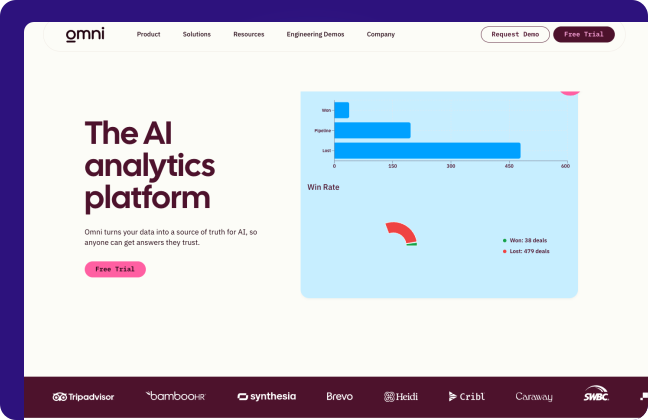

How Omni Scaled RevOps and Built a High-Impact Data Architecture with Candybox
Managed RevOps
2–3
months
to a live CPQ
vs. 9 months before
If you're looking for a real thought partner… Candybox is the RevOps consultant for you!

Kimberly DelSignore
RevOps Lead, Omni Analytics

Six months to success: How choosing the right Salesforce Partner enabled a seamless merger for Staffbase and Bananatag
M&A & Private Equity
I like that Candybox is not afraid to push back for the good of their customers.
Claudio Cocivera
Sr. Manager Business Systems & Processes, Staffbase
Wynsum Partners Empowers SaaS Rollup with Candybox's Private Equity Salesforce Expertise

Implementations
2.5
x
new customers per month
20 → 50 after unifying Salesforce, HubSpot and Chargebee


A 360 Customer View: How NexHealth took their customer success to the next level with Salesforce Service Cloud
Service Cloud & Support

Behind the curtain: How Sleek are powering events through Salesforce
Implementations
90
%+
adoption in week 1
live in 10 days

Unlocking MURAL's Operations Growth with Fractional RevOps

Managed RevOps
Now, we actually work methodically and have a process.

Keith Jones
Leader of GTM Systems, MURAL
Rhombus Systems Selects Candybox to Improve its CPQ Implementation
CPQ & Quote-to-Cash
SoSafe: Strengthening Customer Support with Salesforce Service Cloud

Service Cloud & Support




What clients see, how fast, and how to talk to one of them.